How to login to Sparx Maths
Follow the instructions below to login to Spax Maths.
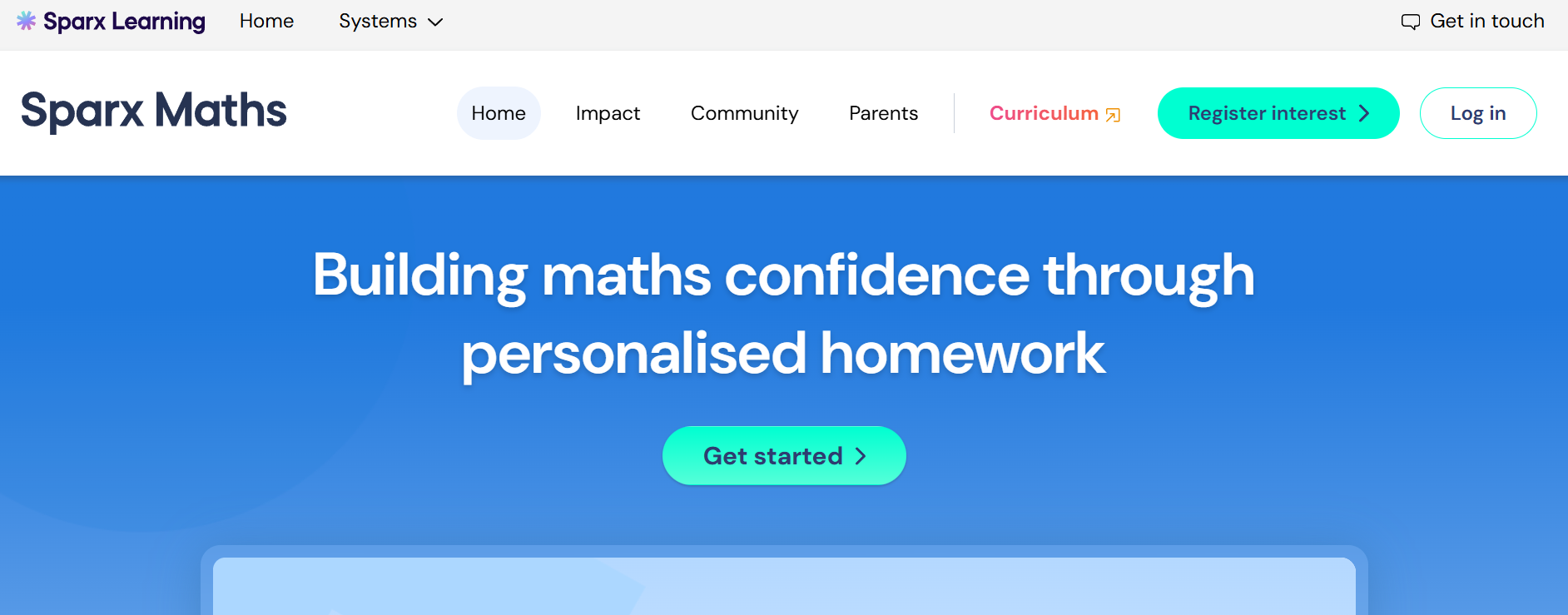
- Click the following link to open the Sparx Maths Website: Spax Maths
- Once the page has loaded click on the login button in the top right
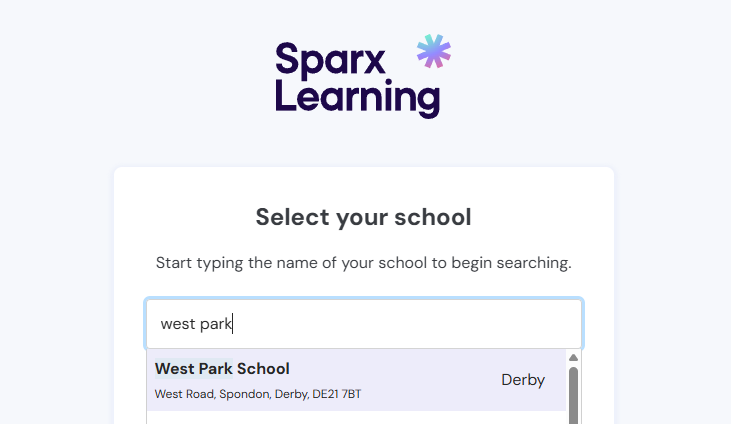
- Once greeted with a box to search for your school, enter West Park and click on the result when visible.
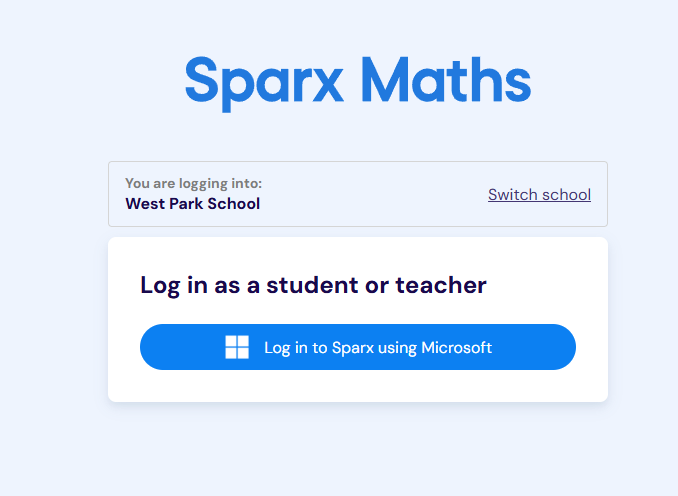
- Click on Log in to Sparx using Microsoft (if you are logging in from home, you will need to enter your school email address and password)