
How to login to Beanstack
Beanstack
Beanstack is a reading tracker that allows you to log books you've read and participate in reading challenges. Once logged in, you can search for titles, record your progress, and earn badges as you complete goals set by the library. It's designed to help you keep track of your reading habits and discover new books.
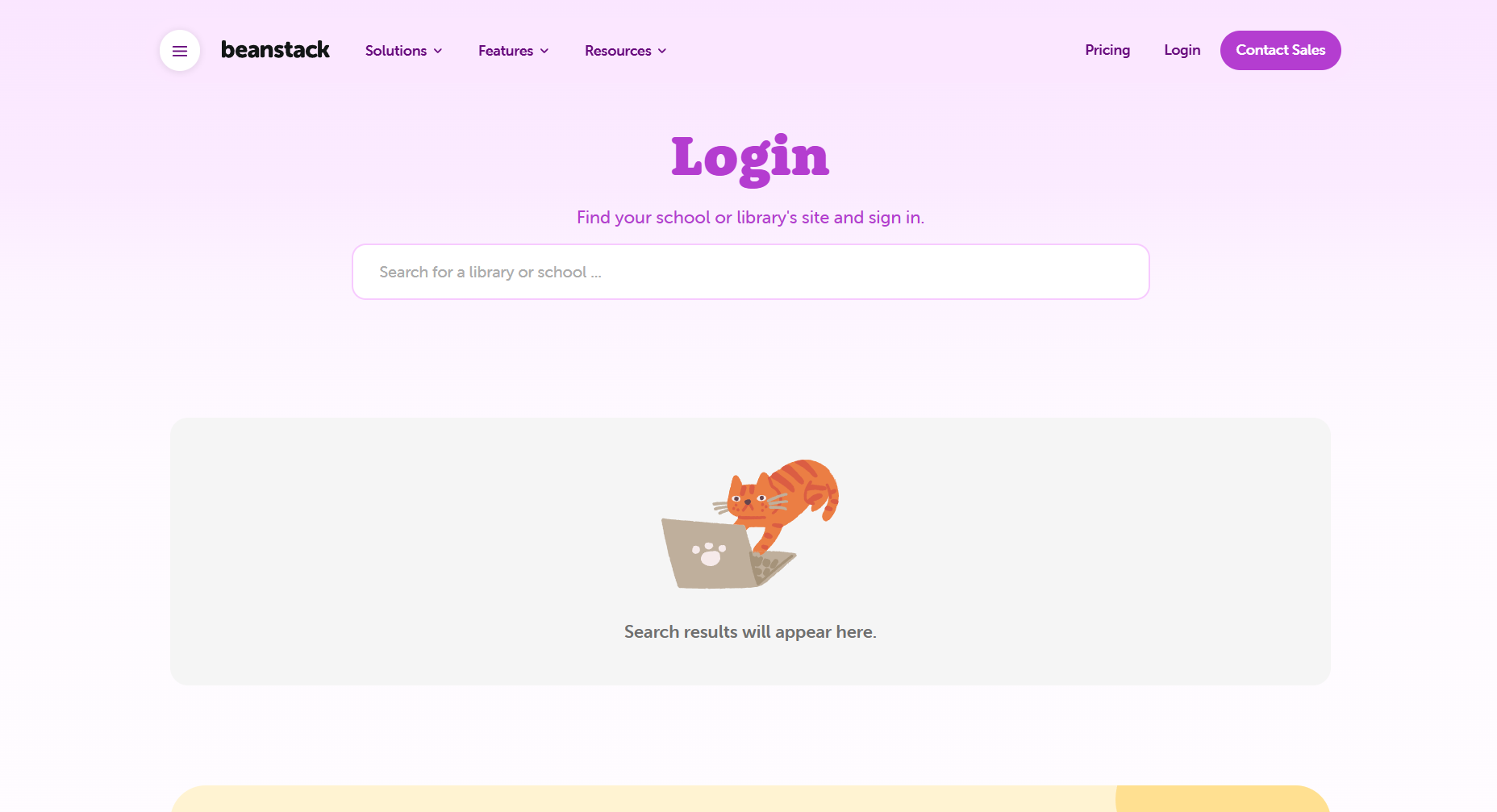
- Go to https://www.beanstack.com/login.
- Go to the login page
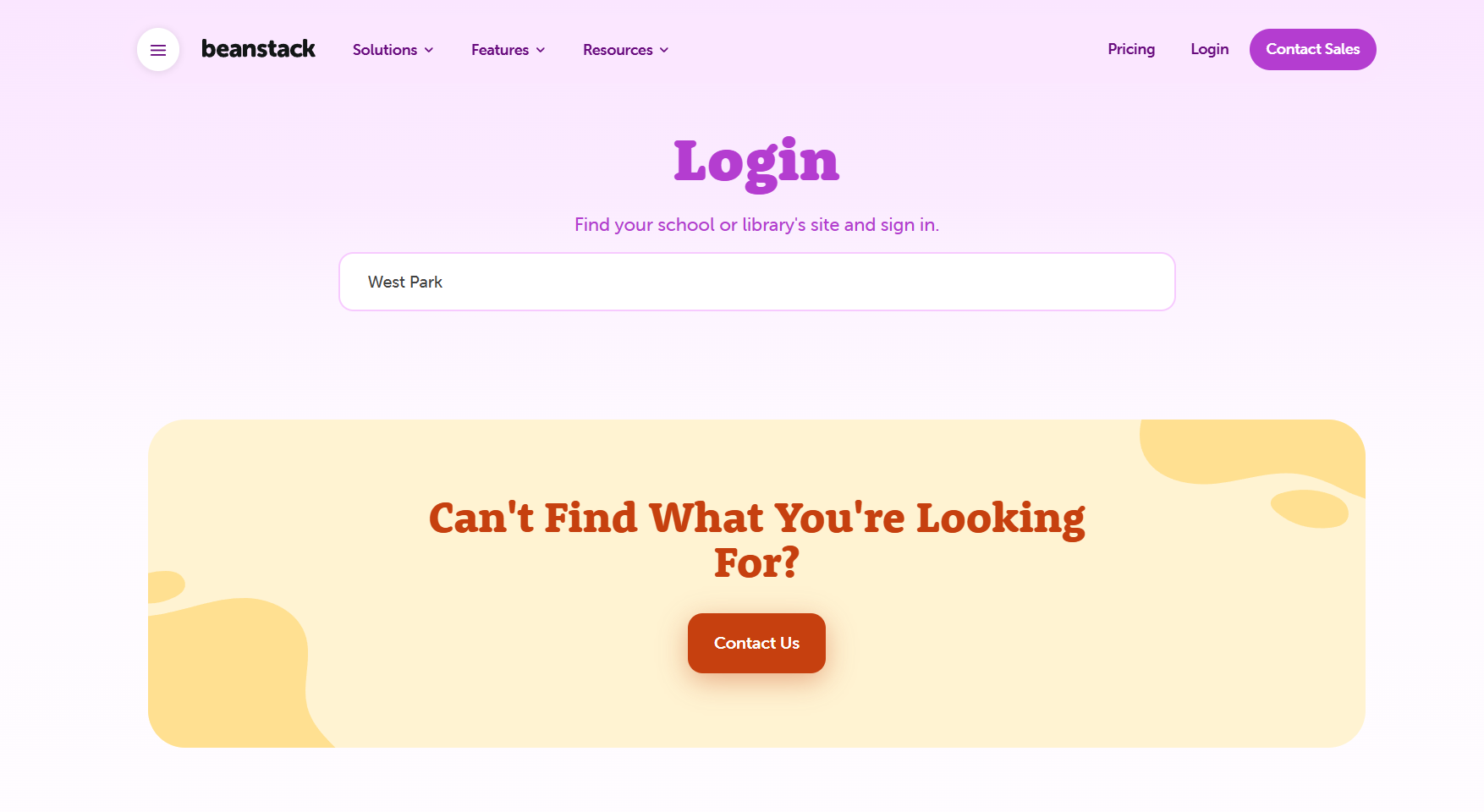
- Enter the name of the school - as shown below (West Park)
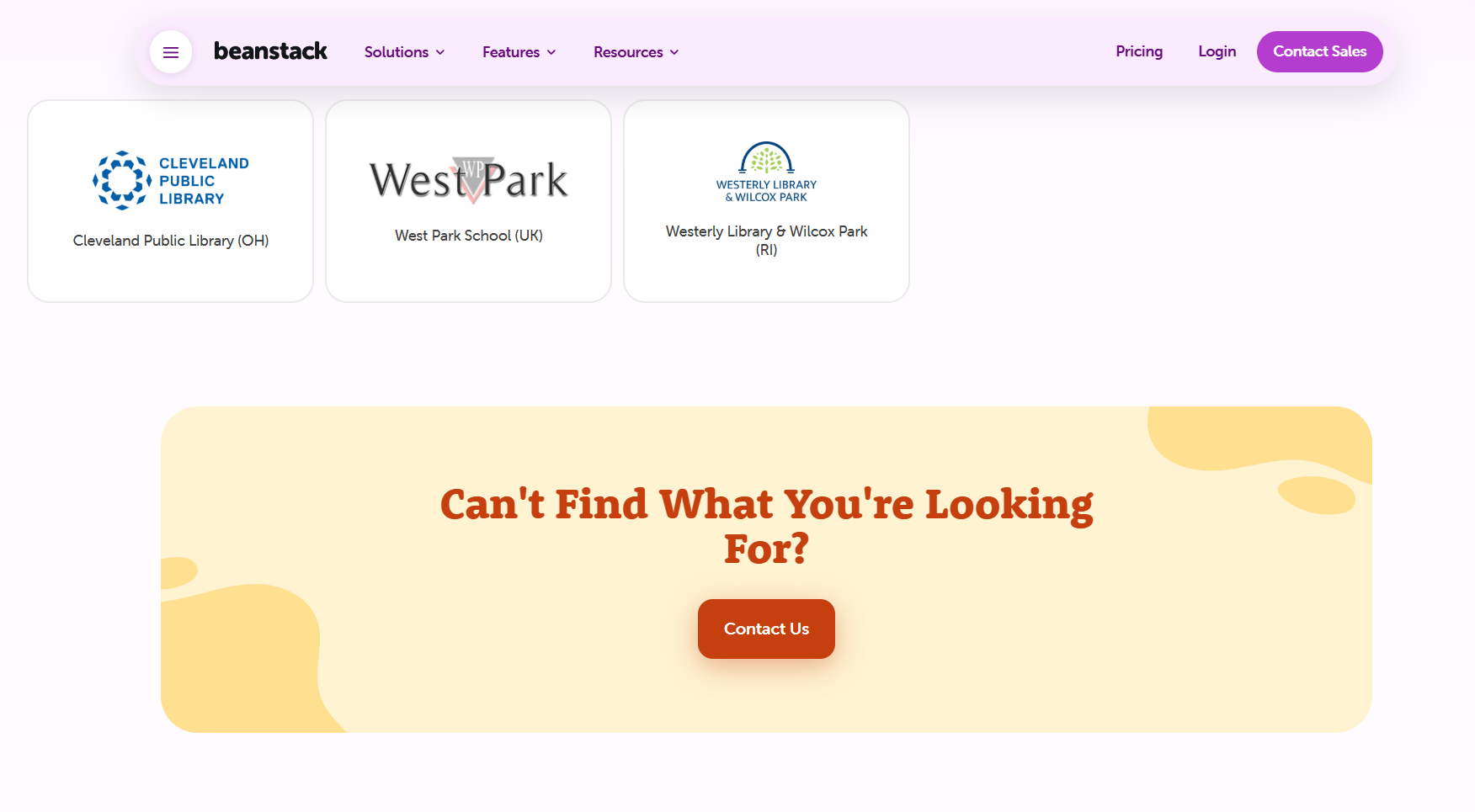
- Select 'West Park' from the cards that appear on the screen
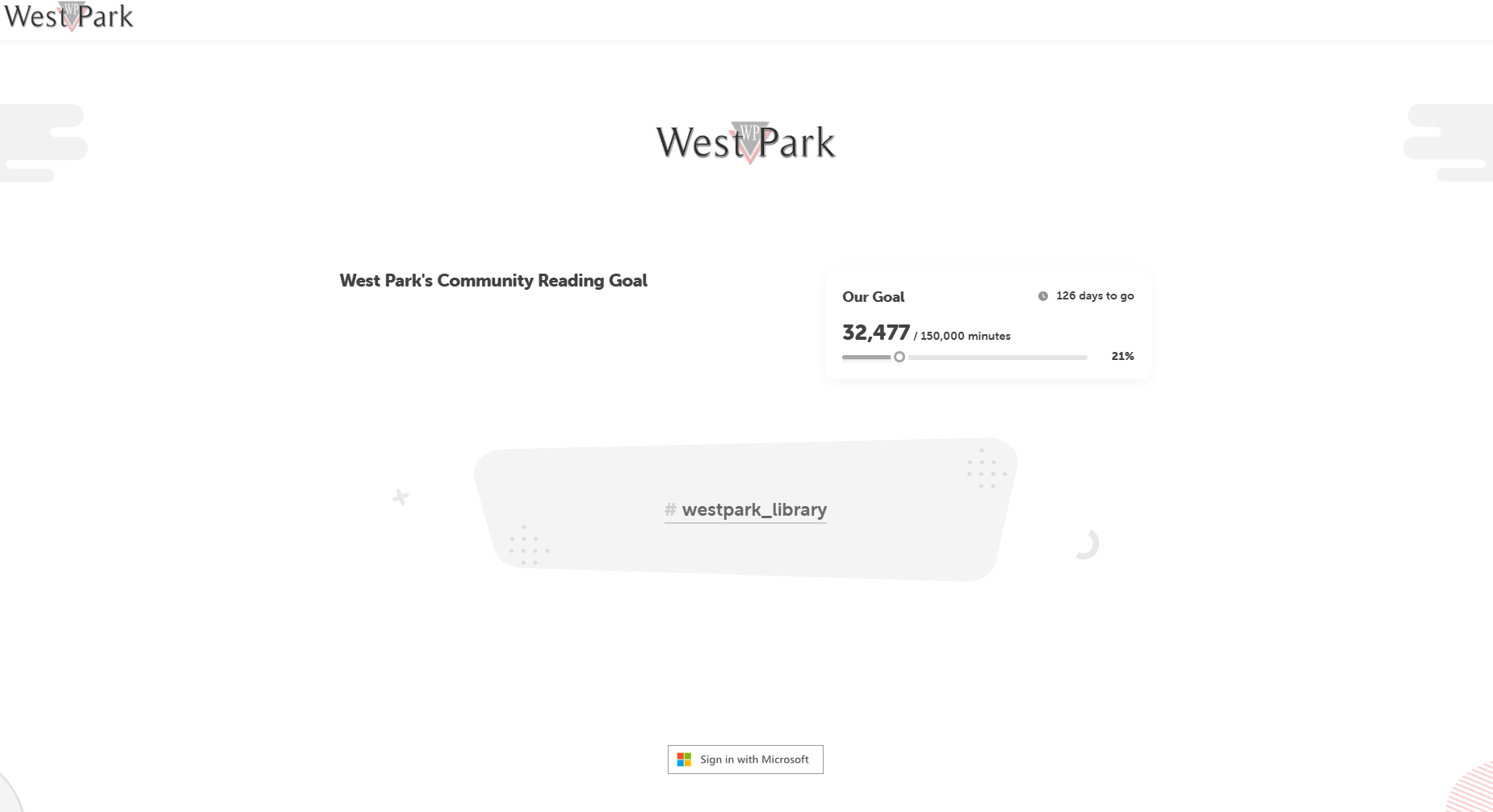
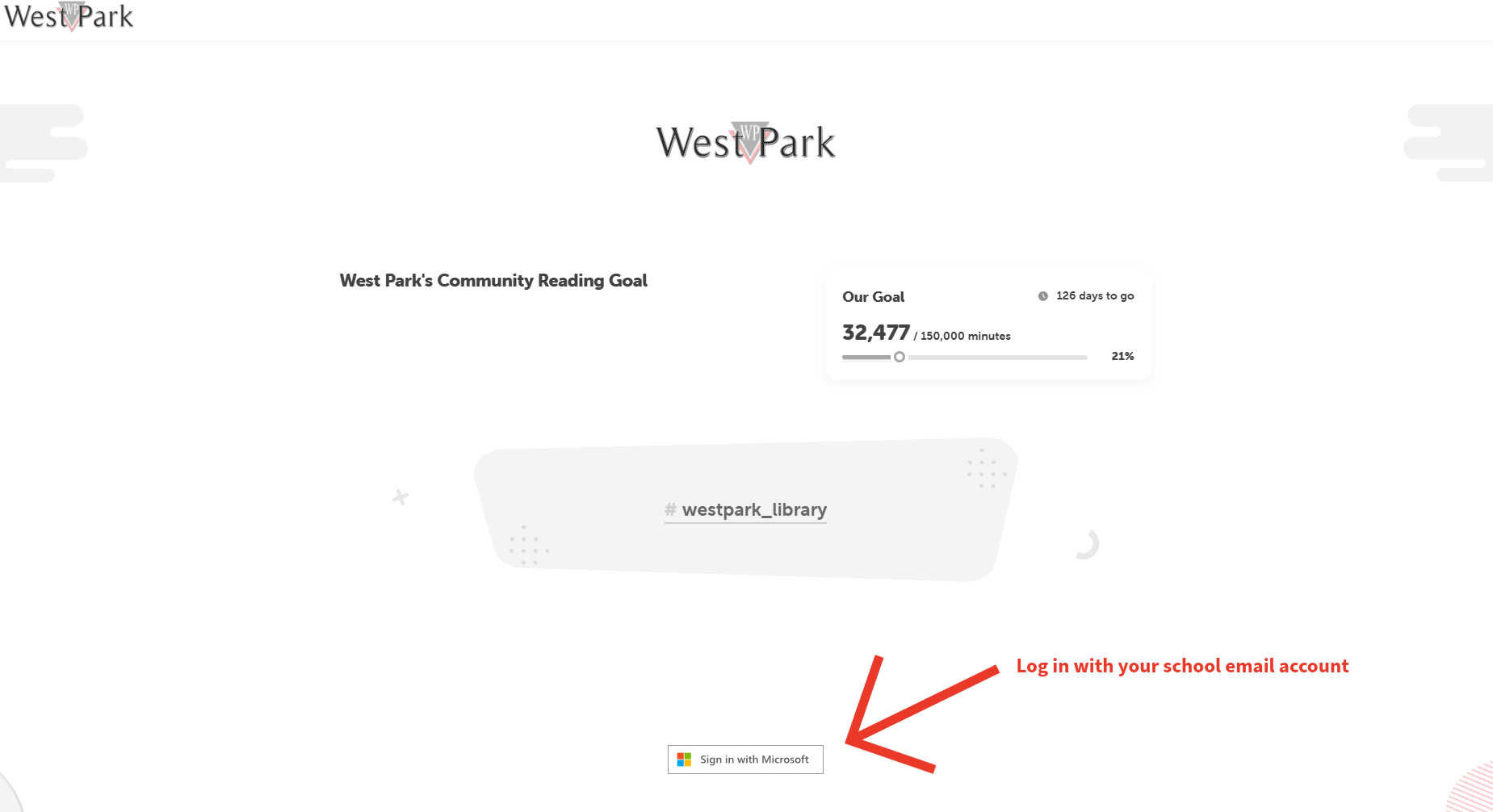
- You will see the following screen:
- At the bottom of the screen it says 'Sign in with Microsoft'
- Click 'Sign in with Microsoft' and enter your school email address
NOTE: Your password is the same as the one you use to login to the school computers. You can contact the IT Support Department if you have forgotten this.
- On the login page, enter your email.
- Your email must start with your year group.
- The email to use is the @westpark.derby.sch.uk.